Interactive demos
Your step-by-step procedures, as illustrated, narrated interactive demos.
Record what you do, or upload an existing guide: Oghamix creates the steps and screenshots, blurs personal data, writes the explanations and adds a voice-over. Your users are guided and learn by clicking, at their own pace, and a quiz lets them check what they have learnt.
- Hosted in France
- GDPR compliant
- European AI by default
100%
of data hosted in France
18
translation languages
5
ways to share: link, embed, Moodle, LTI, SCORM
Made in BzH
a team in Brest, at E‑learning Touch'
Discover
This demo was made with Oghamix.
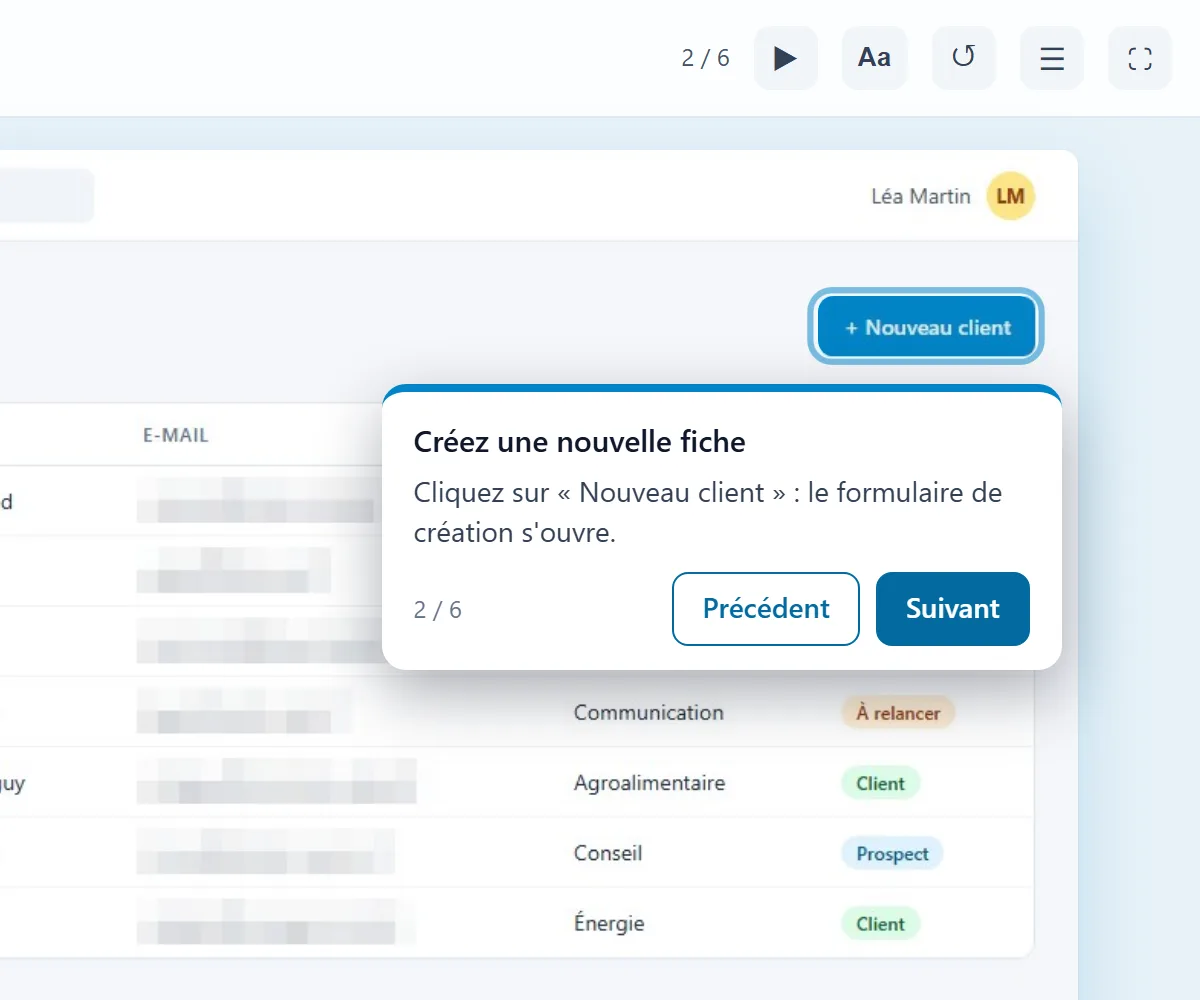
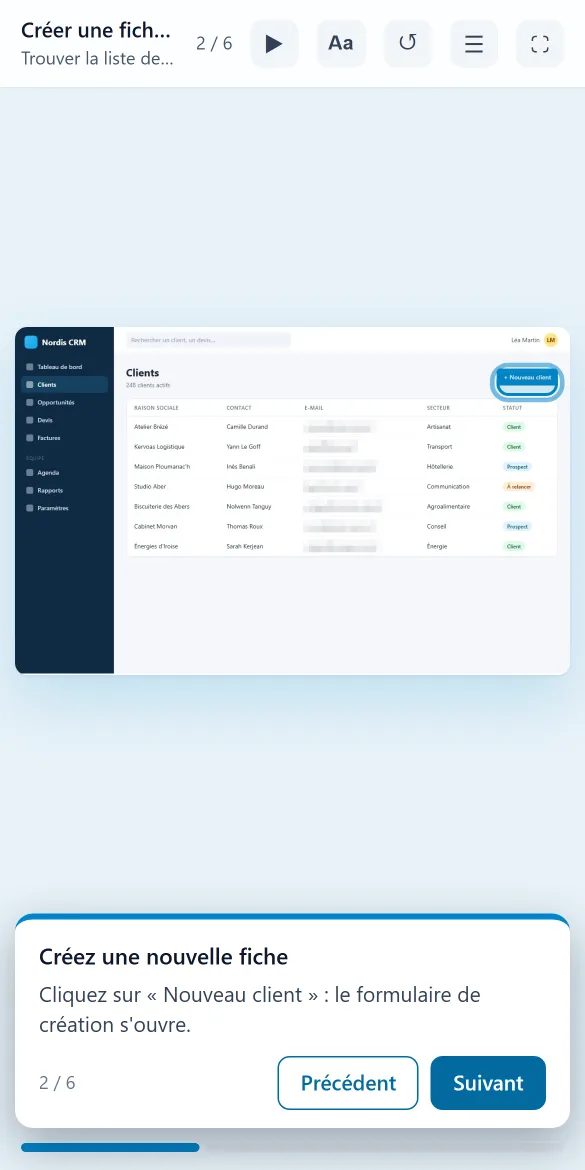
On a computer or a phone, your demonstrations become interactive in minutes. Click “Start the demo” to discover the Oghamix interface... made with Oghamix!
Open the demo full screen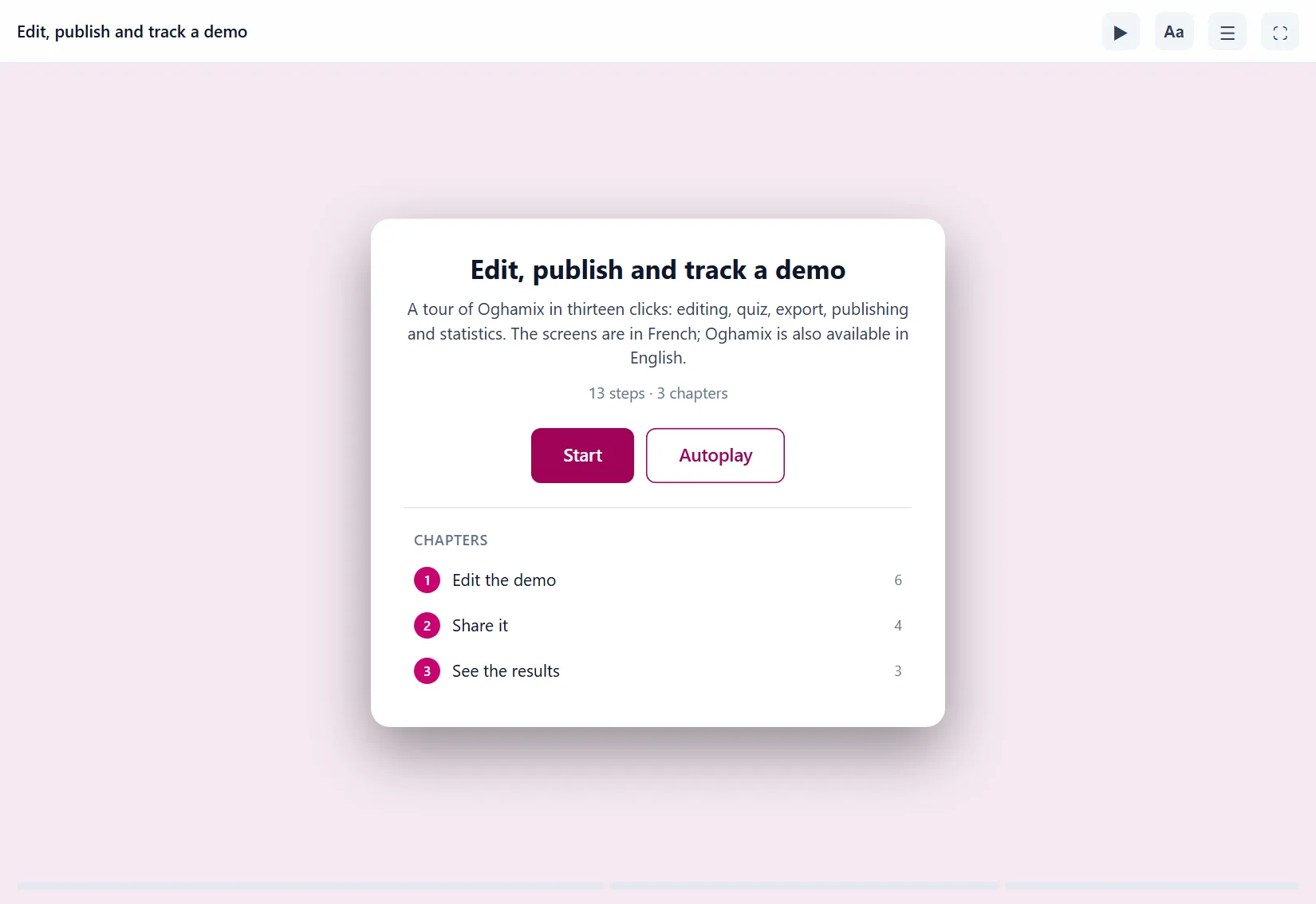
Who it is for
Need to explain how a piece of software works? Oghamix is made for you.
Support your users from their very first login.
A user who can't work out how to do things in the first few days often ends up leaving! Record your actions: Oghamix creates a clickable demo, with instructions, voice-over and sensitive data blurred. Put it on your website, in your help centre or right inside your application.
Show the way rather than explain it.
Explore the solution for: Software company-
Faster activation
A clickable demo before sign-up or from the very first login.
-
Fewer support tickets
The answer in pictures, self-service, instead of an email exchange.
-
Up to date in minutes
An interface has changed? Re-record only the part concerned.
-
Embeddable anywhere
A link, an embed in a web page, or straight into your customers' LMS.
Software training modules for your LMS, without spending weeks on them.
A module on a business application usually means hours of screenshots, editing and layout. With Oghamix, you go through the task once and come away with a demo split into chapters, with voice-over and a quiz. Send it straight to Moodle, or to another LMS as SCORM or through LTI, and see who got to the end and who dropped out.
Your learners become active, and their progress is visible!
Explore the solution for: Training provider-
LTI, SCORM and Moodle plugin
Progress, score and completion are sent back to your LMS.
-
Hands-on learning
Learners click for themselves, with no risk of breaking the real software.
-
Faster production
Text, voice, chapters and quizzes prepared by AI, which you review and adjust.
-
Tracking and records
Statistics per learner, useful as evidence for Qualiopi, the French training quality certification.
Your teams are no longer on their own.
When someone gets stuck on an internal tool, they interrupt a colleague or open a ticket. Make your colleagues' work easier and record the procedures for your business software: each one becomes a clickable guide anyone can open from a link, with a Word or PDF summary guide. New starters find their feet faster, questions are about the job rather than the tools, and support gets some breathing room!
The right move, at the right moment, without bothering anyone.
Explore the solution for: Enterprise-
Fewer first-level tickets
"How do I do X in the ERP?" gets a self-service answer.
-
Help at the right moment
A direct link to the right step, subtitles and accessibility settings.
-
Effortless updates
Re-record only what has changed, the rest of the demo is kept.
-
Security and GDPR
Automatic blurring, hosting in France, private workspaces per team.
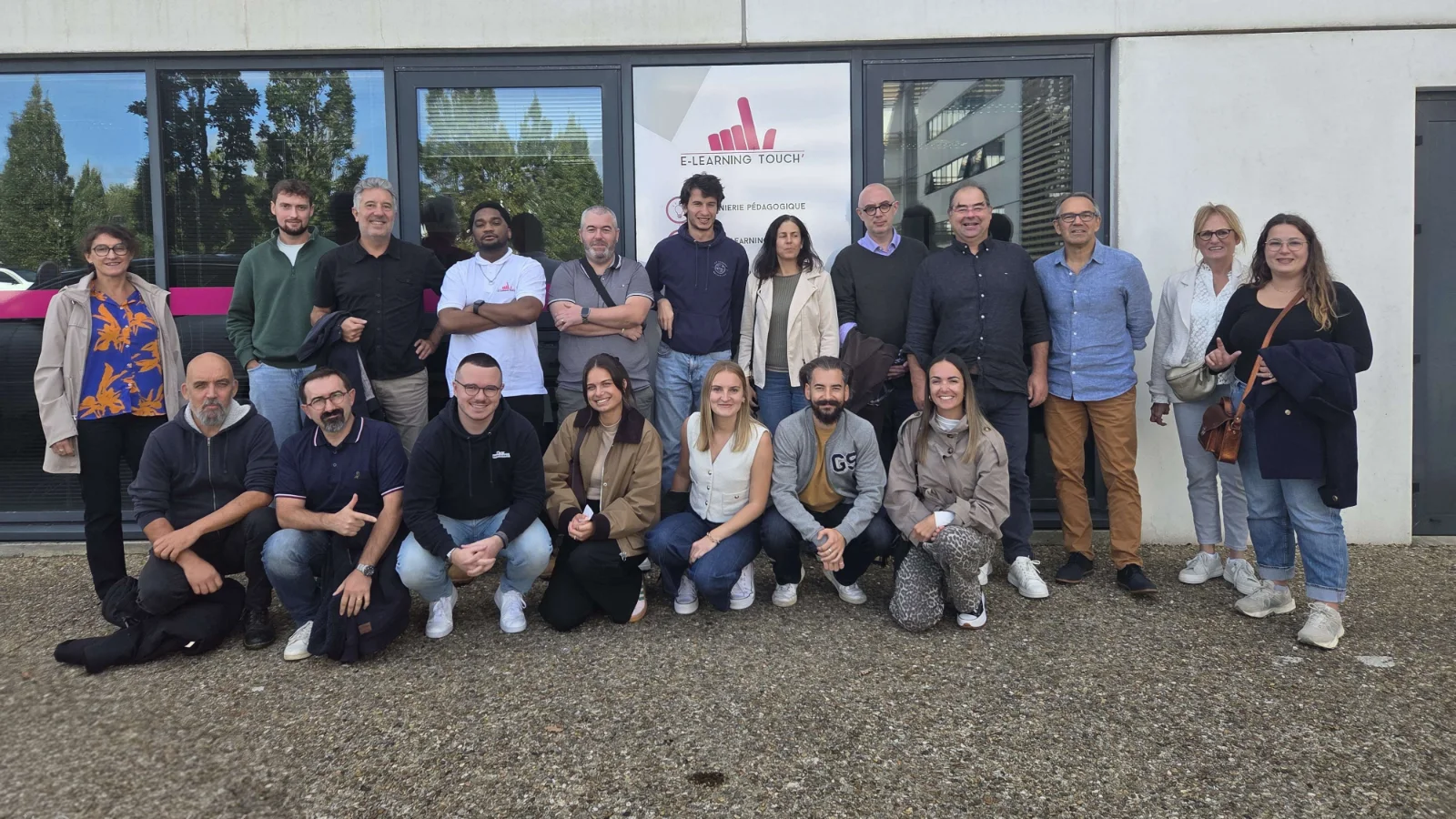
The team
A Breton team behind every demo.
Behind Oghamix is the team at E-learning Touch', a Breton company that has been setting up and hosting learning platforms for training providers and businesses for more than 15 years. Oghamix was first designed for our customers: showing software step by step, and how it changes, simply and without spending days on it.
When you write to support, someone from the team answers. The name comes from ogham, one of the oldest Celtic scripts, carved in stone to pass knowledge on: a gesture made once, shown as many times as needed.
About usHow it works
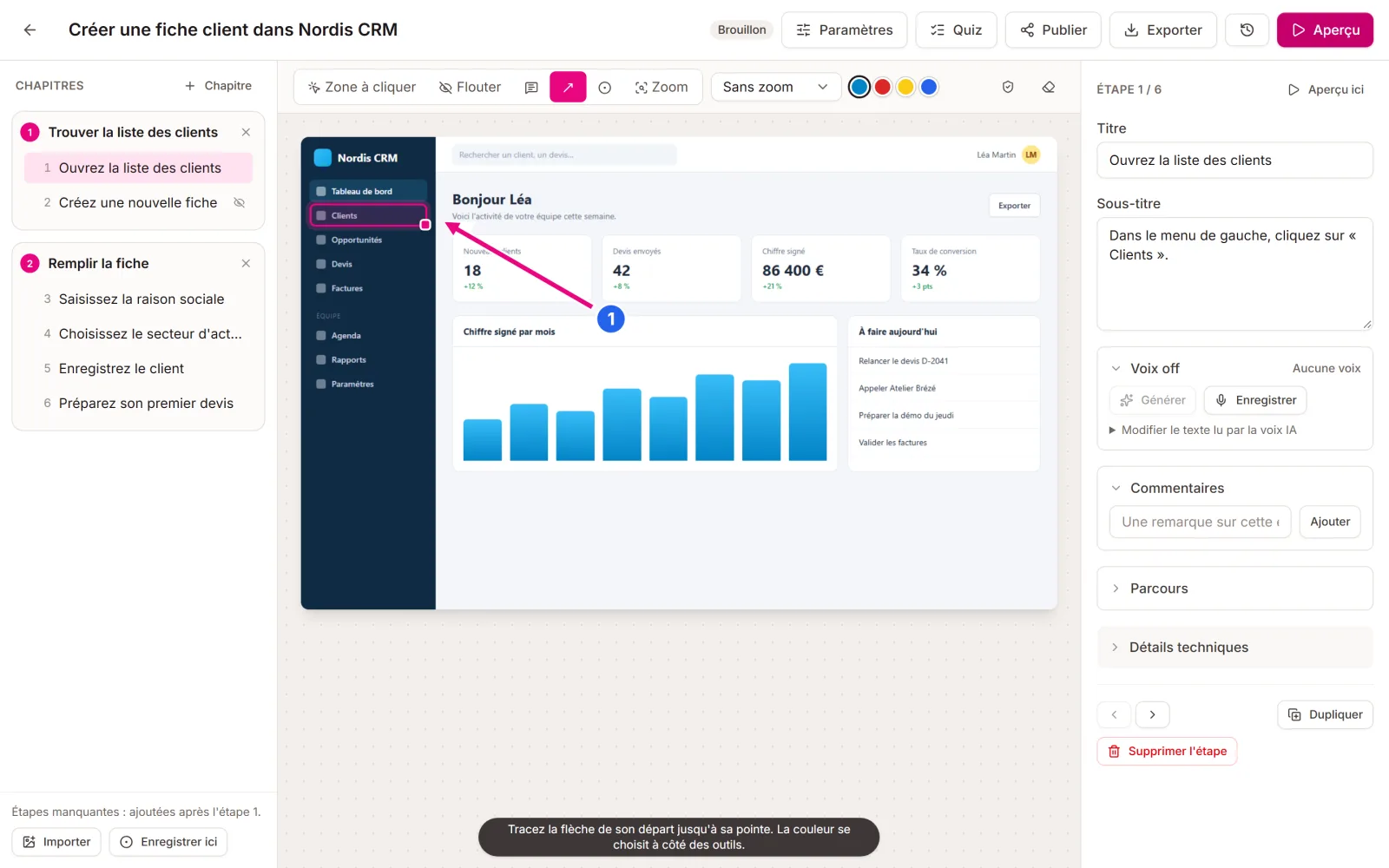
Three steps, and your demo is live.
Record
With the Chrome and Edge extension, go through the task in your software. Each click becomes a step, with its screenshot and the area to click. You can also film the screen, or start from an existing Word or PDF guide.
Polish
AI writes the titles and instructions, splits the demo into chapters, adds the voice-over and spots the data to blur. You review, adjust an area, add a quiz or branching paths.
Share
Share a link, embed the demo in a page, publish it in Moodle, through LTI or as SCORM, or export a Word or PDF guide and a video.
Features
Everything you need to teach people a piece of software.
-
AI-written text
Titles, instructions and chapters written from your clicks, in the language of your choice.
-
Voice-over and subtitles
Synthetic voice, your own voice on the microphone or the one from the recording, with subtitles for everyone.
-
Translation into 18 languages
A translated copy in one click: text, quizzes and player in the learner's language.
-
Automatic blurring
Email addresses, phone numbers and names visible in screenshots are detected and blurred before anything is shared.
-
Your existing guides, reused
Import a Word or PDF step-by-step guide: each screenshot becomes a step, with the text that went with it.
-
Quizzes, scores and statistics
Check questions, a score sent to the LMS, and the step where viewers drop off.
Sovereignty
European, from hosting to AI.
Your screenshots show your software, and sometimes your customers. They are stored in France, and the AI used by default, Mistral, is French too. If you would rather use another provider, or no AI at all, it is a setting in your workspace.
Hosted in France
Servers and backups in France.
Mistral AI by default
A European AI, or another provider of your choice.
Isolated data
Each workspace is isolated, with its own private areas and permissions.
Blurring before sharing
Personal data that is detected is blurred in the screenshots.
Pricing
Free to start, simple after that.
The free account is enough to get a feel for it. Pro starts at €29 excl. VAT per editor per month, and training providers get 50% off.
See pricingFree
€0
Pro
€29
excl. VAT / editor / month
Team
€25
excl. VAT / editor / month
Questions
Frequently asked questions
Another question? Get in touch.
Do I need to install anything?
Only the extension, to record, in Chrome or Edge (on a computer): you download it from the app and install it in a few clicks. Your learners install nothing, the demo opens in the browser, on a computer, tablet or phone.
What about Firefox or Safari?
The extension is not available for Firefox and Safari yet: Firefox is planned. Your demos open in every browser.
Which software can I record?
Any software used in the browser: LMS, ERP, CRM, internal tools, your own application. You can also reuse your existing guides: a Word or PDF step-by-step guide with screenshots becomes a demo.
Where is my data?
Oghamix is hosted in France and uses Mistral, a European AI, by default. OpenAI is available as an option, and with the Team plan you can use your own key. You can also switch the AI off. Screenshots are only used for your demo.
Will my demos work with my LMS?
With Moodle through the plugin, with any LMS that supports LTI 1.3, and everywhere else as SCORM 1.2 or 2004. Progress, score and completion are sent back to your LMS.
Can I try it before committing?
Yes: the free account lets you create up to 5 demos, with no credit card and no time limit.
See what Oghamix makes of your procedures.
Create your free account and record your first demo in a few minutes. No credit card needed.